



Security · Users and email
Advanced email security for Microsoft 365 and Google Workspace
One convincing email can redirect a payment, hand over a password or stop a workday. We add a specialist layer to Microsoft 365 or Google Workspace that inspects messages before they reach your people for phishing, impersonation and malicious links and attachments, and our incident response specialists review what it holds back.
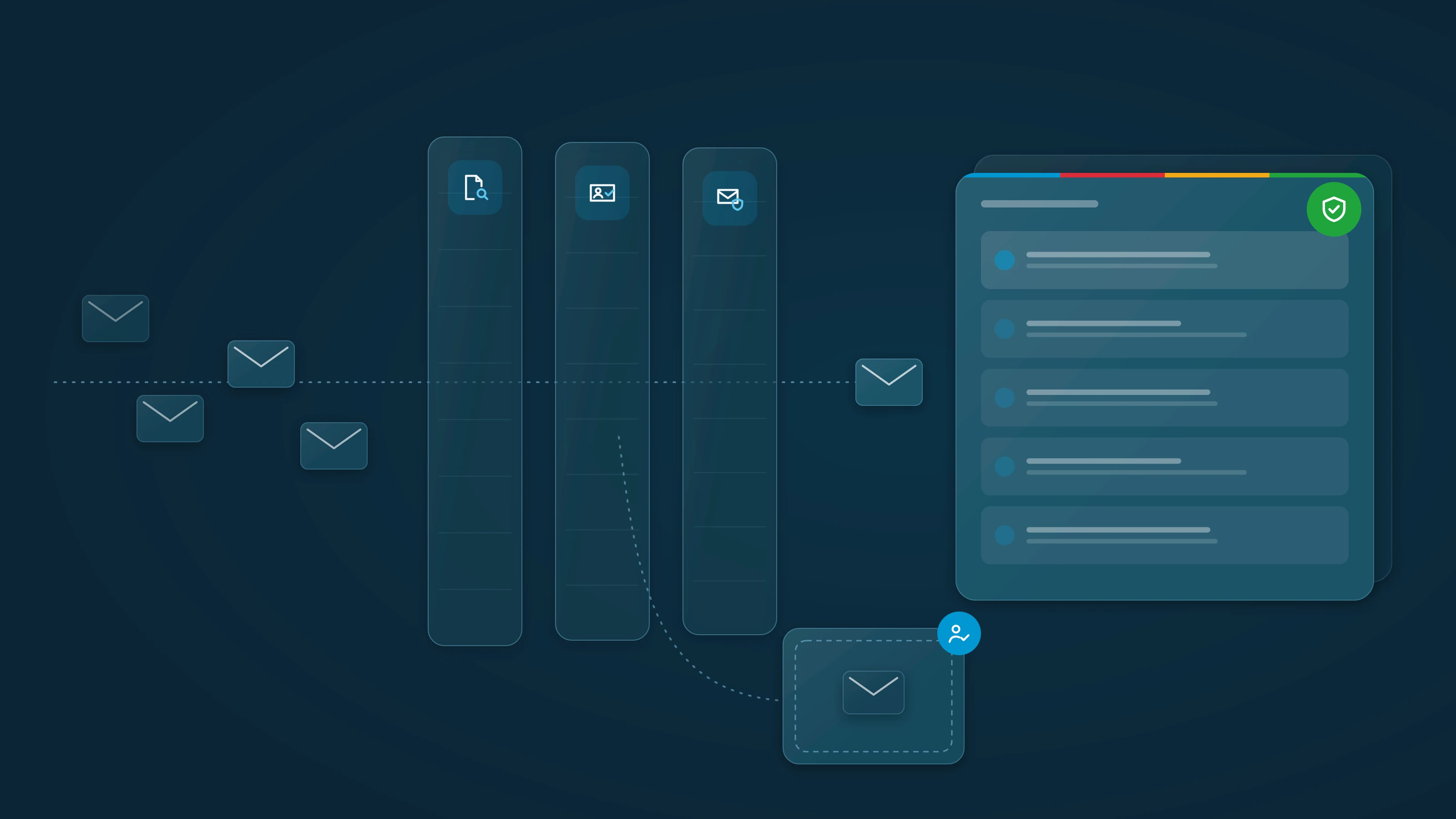
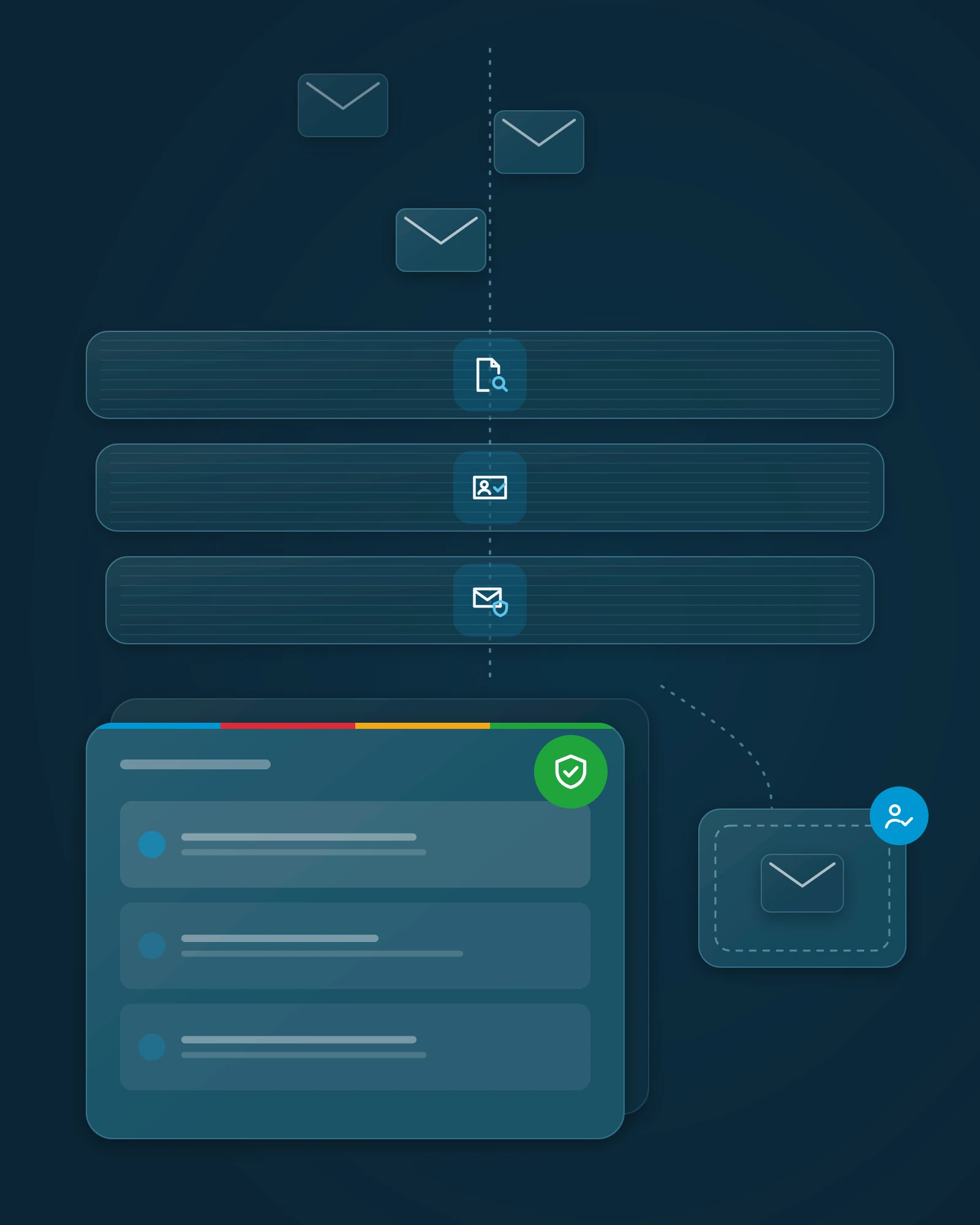
What's at stake without it.
Email lands with your people directly, so it's where attackers start. The cost shows up in business terms.

Wire fraud.
A fake invoice or an "updated bank details" request that looks like it came from a vendor or your CEO. Once a payment is sent, getting it back is often out of reach.
Business email compromise cost U.S. victims $2.77 billion in 2024, across 21,442 reported complaints.

Stolen logins, then data loss.
One click on a fake Microsoft 365 or Google Workspace sign-in page can hand over an account. That exposes client data, email history and files, and from there your own account can send phishing to your clients under your name.
Phishing and spoofing was the most reported complaint type in 2024, with 193,407 complaints.

Downtime, insurance and reputation.
A malicious attachment can take machines and files offline, which means lost days, missed deadlines and costly cleanup. Cyber insurers ask how your email is protected, and a weak answer can affect your premiums, your exclusions or a claim. Clients remember whose name was on the message.
People are the target. The human element was involved in about 60% of breaches. Verizon 2025 Data Breach Investigations Report
Is Microsoft 365's built-in email security enough?
Microsoft 365 is a strong platform, and we make sure its built-in protection is set to best practice. But built-in protection alone is one standard baseline shared by every organization on the platform, and attackers test their campaigns against it, so mass phishing and impersonation still reach inboxes even when it's configured well. That's why we layer dedicated advanced email security on top, with specialists reviewing what it holds back.
Inspection
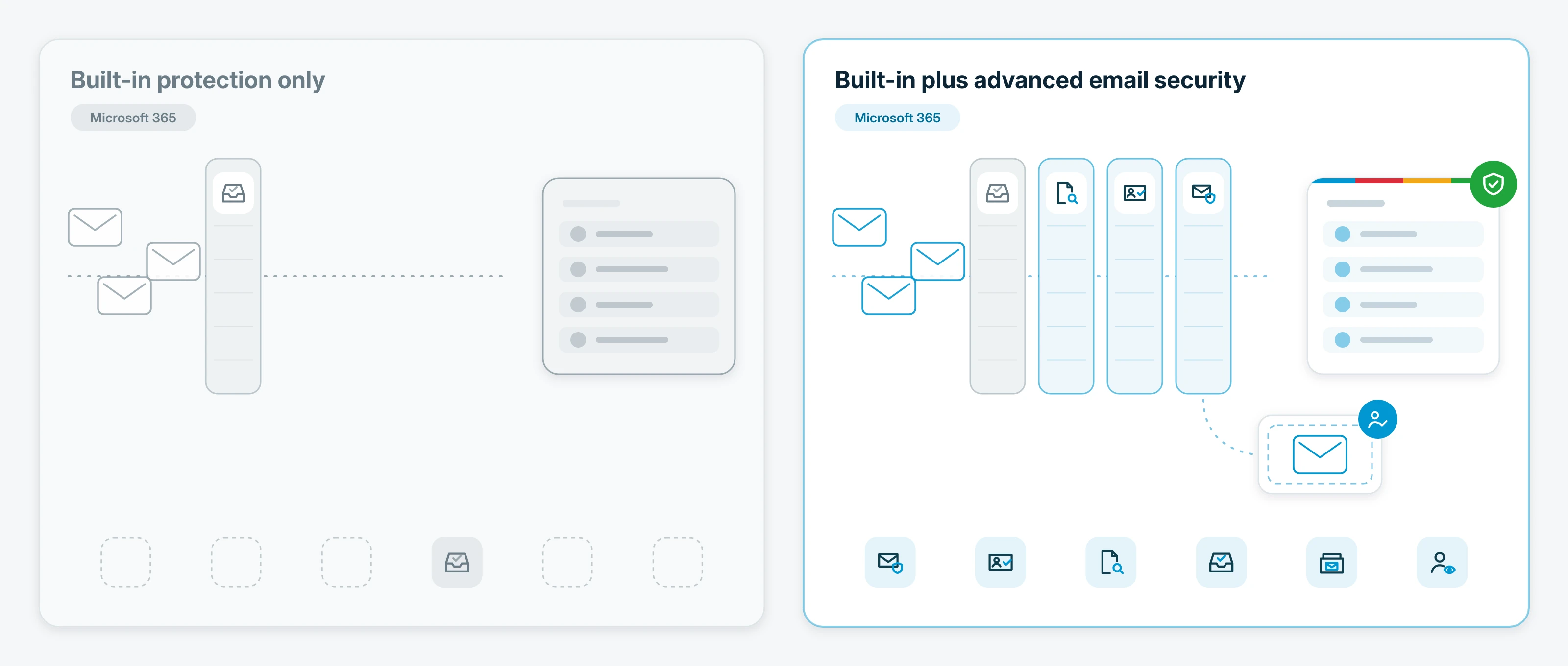
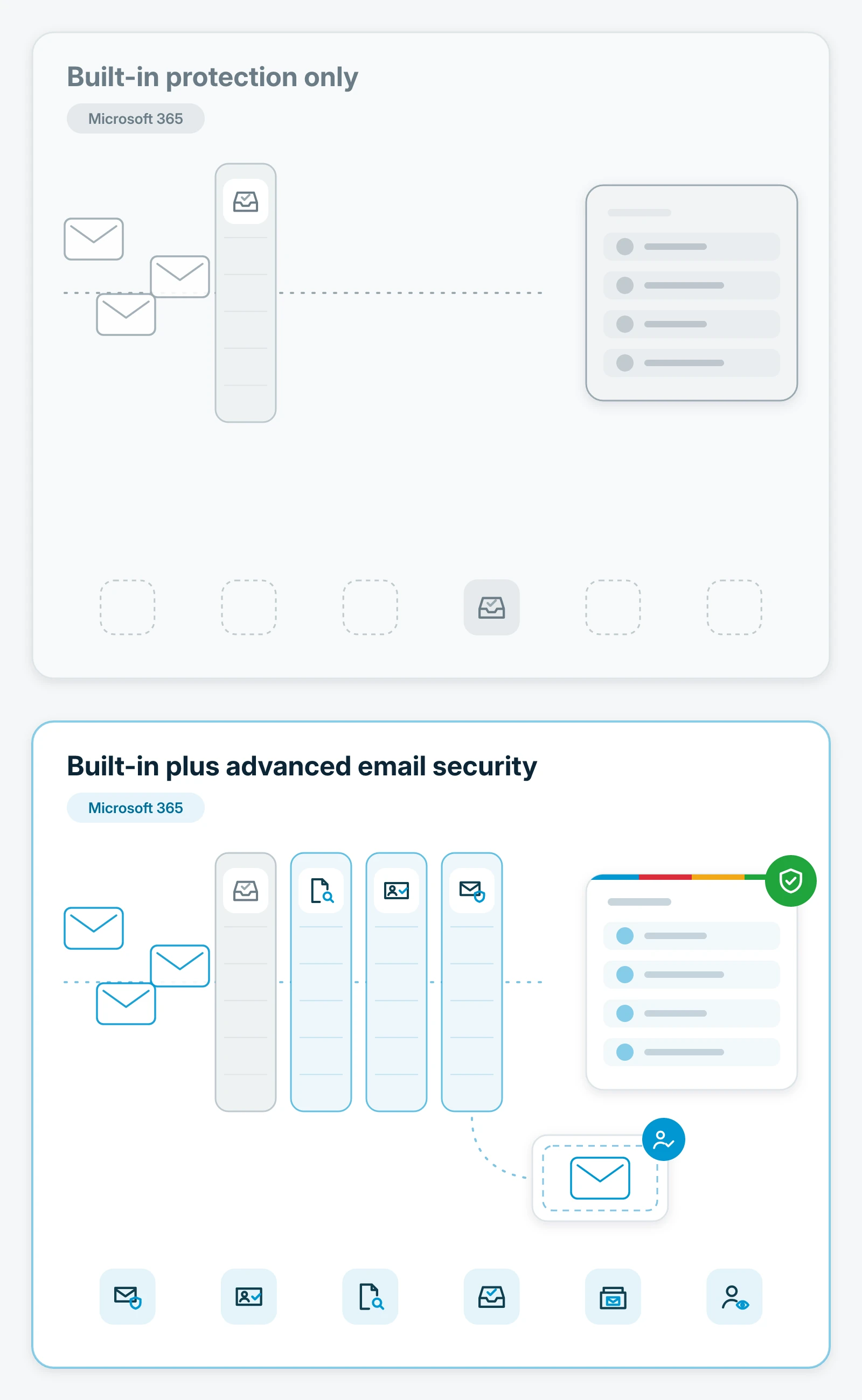
- Built-in protection only
- One standard baseline, the same for every organization on Microsoft 365
- Built-in plus advanced email security
- That baseline, set to best practice, plus a specialist layer that inspects links, attachments and sender identity before messages reach your people
Phishing and impersonation
- Built-in protection only
- Mass phishing and convincing impersonation can still reach inboxes
- Built-in plus advanced email security
- Phishing and impersonation attempts are inspected before delivery, and suspicious messages are held in quarantine for review.
Payment fraud
- Built-in protection only
- Fake invoices and changed bank details depend on someone noticing
- Built-in plus advanced email security
- Business email compromise patterns, like a lookalike vendor or an executive asking for a payment, are flagged and held
Compromised accounts
- Built-in protection only
- Unusual account activity can go unnoticed
- Built-in plus advanced email security
- Signs of account takeover are flagged, which helps catch a stolen login early
Quarantined email
- Built-in protection only
- Held messages wait for someone on your team to judge them
- Built-in plus advanced email security
- Incident response specialists review quarantined email and messages your people report, and release only what's confirmed safe
Ownership
- Built-in protection only
- Settings managed alongside everything else on IT's list
- Built-in plus advanced email security
- Specialists configure, tune and manage both layers as one service
| Item | Built-in protection only | Built-in plus advanced email security |
|---|---|---|
| Inspection | One standard baseline, the same for every organization on Microsoft 365 | That baseline, set to best practice, plus a specialist layer that inspects links, attachments and sender identity before messages reach your people |
| Phishing and impersonation | Mass phishing and convincing impersonation can still reach inboxes | Phishing and impersonation attempts are inspected before delivery, and suspicious messages are held in quarantine for review. |
| Payment fraud | Fake invoices and changed bank details depend on someone noticing | Business email compromise patterns, like a lookalike vendor or an executive asking for a payment, are flagged and held |
| Compromised accounts | Unusual account activity can go unnoticed | Signs of account takeover are flagged, which helps catch a stolen login early |
| Quarantined email | Held messages wait for someone on your team to judge them | Incident response specialists review quarantined email and messages your people report, and release only what's confirmed safe |
| Ownership | Settings managed alongside everything else on IT's list | Specialists configure, tune and manage both layers as one service |
What you get
One managed layer that protects the inbox your business runs on.

Phishing protection.
Messages are inspected for phishing, so fake sign-in pages and lures are held back instead of landing in front of your people.

Business email compromise protection.
Lookalike senders, executive impersonation and payment-change requests are flagged and held before anyone acts on them.

Link and attachment analysis.
Links are checked and attachments are sandboxed for malicious content before the message reaches your people.

Email and collaboration protection.
Connected directly to Microsoft 365 or Google Workspace, and extended to the collaboration apps your teams share files and messages in where your plan includes it.

Account takeover detection.
Unusual activity on a business account is detected, which helps catch a stolen login early.

Email quarantine and incident response.
Suspicious mail is held in quarantine and reviewed by incident response specialists, along with messages your people report, not just left in a filter.
Warning banners on suspicious messages, email data loss prevention and email encryption are available where your plan includes them.
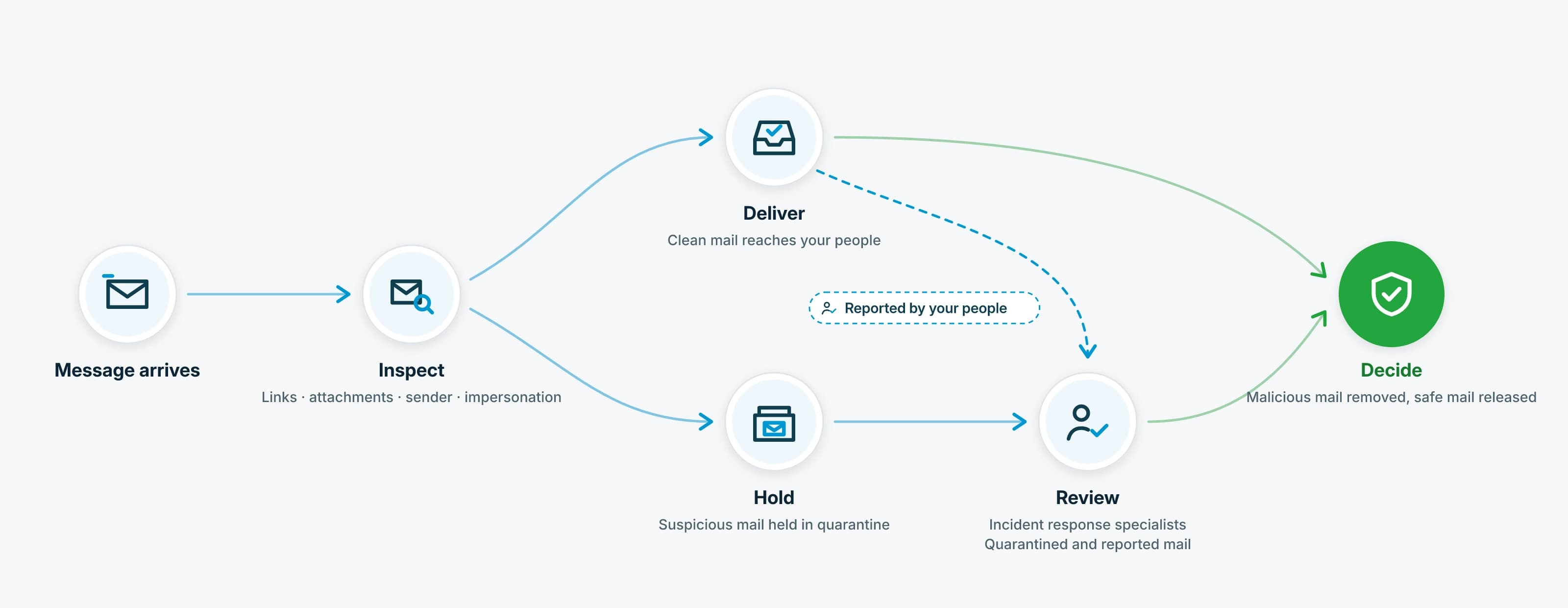
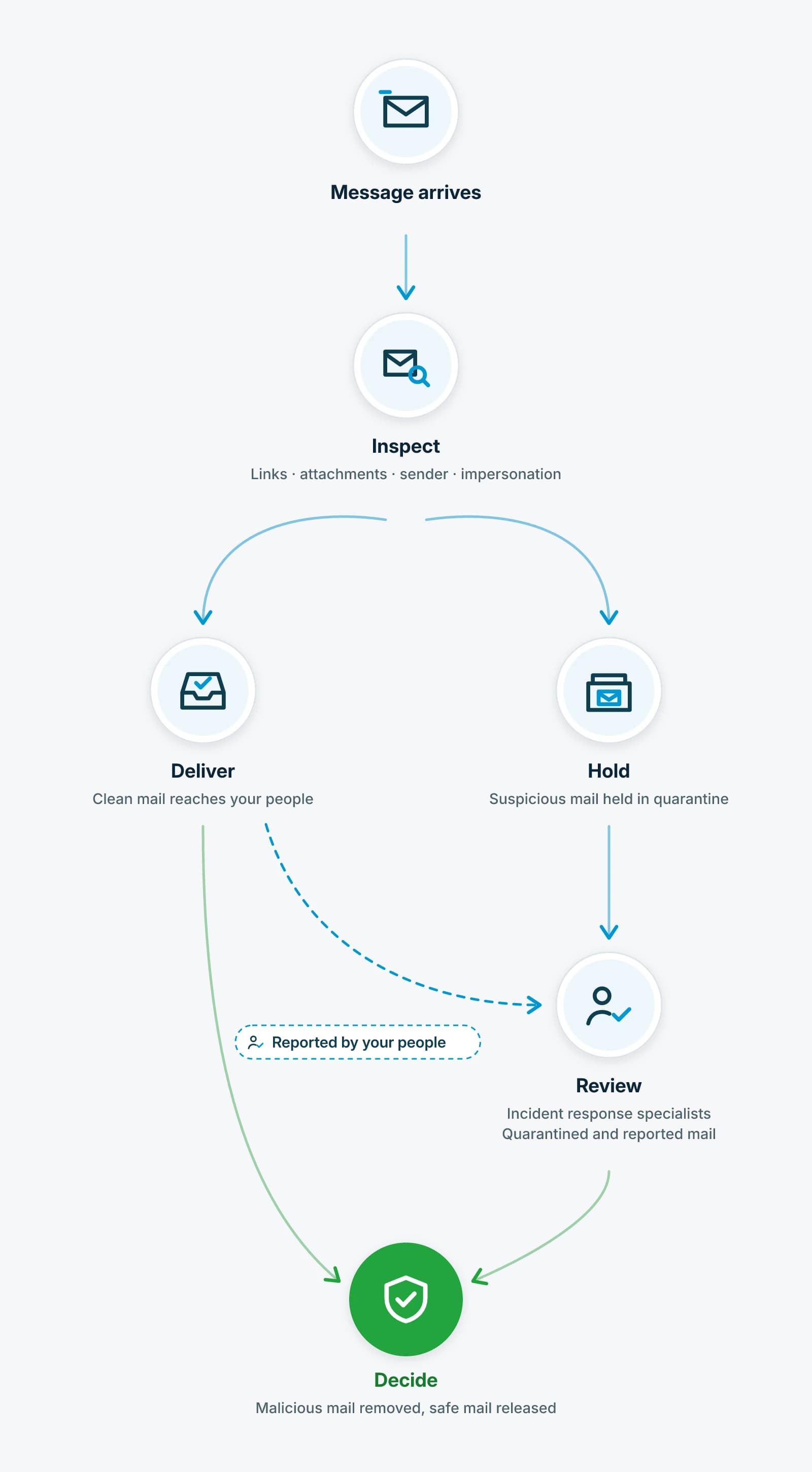
Messages inspected before they reach your people.
Quarantine reviewed by people.
Holding a suspicious message is only half the job. Our incident response specialists review the email the platform detects, blocks and quarantines, along with messages your people report. They release what's confirmed safe, and a flagged message can be pulled from every mailbox it reached. You get fewer false alarms in front of your people.
How far we act on a confirmed threat, from alerting you to taking action in your environment, is written into your agreement and confirmed before you sign.
We build on industry-leading, best-of-breed security platforms, and when one isn't the right fit for your environment, our specialists vet and deploy one that is.
Our specialists review your mail flow and your Microsoft 365 or Google Workspace settings first, then recommend the protection your environment needs, as part of a plan we agree on together. Never a forced bundle.
Email is the front door. The other layers protect everything behind it.
Advanced email security inspects mail before it reaches your people, and works alongside the identity, endpoint and detection layers around it.
Identity & Access Security
Protect the passwords, admin rights and sign-ins behind every mailbox, and harden Microsoft 365 against account takeover.
Managed Detection and Response
Our security operations specialists connect signals from your devices, email, identities and network into one picture.
Endpoint Security
Protection for your covered desktops, laptops and servers, tuned with the vendor and monitored by our team.
FAQs
Does this replace the built-in protection in Microsoft 365 or Google Workspace?
No. It's layered on top. We make sure the built-in protection is configured to best practice, then add advanced email security as a dedicated second layer and manage both.
Our people are trained. Do we still need this?
Training matters. But even well-trained people on a busy day are one click from a costly mistake. This layer means far fewer bad messages ever reach them.
What happens to an email that's quarantined?
It's held away from the inbox and reviewed by our incident response specialists. Mail that's confirmed safe is released, and a flagged message can be pulled from every mailbox it reached.
Does it protect more than email?
Yes, where your plan includes it. The same protection extends to the Microsoft 365 or Google Workspace collaboration apps your teams use to share files and messages, and it watches for signs that a business account has been taken over.
Do you manage email authentication like SPF, DKIM and DMARC?
Yes. Email security record management is part of the service. We set up and maintain your domain's SPF, DKIM and DMARC records and keep your email security posture current, which makes it harder for attackers to send email that impersonates your domain.
What if an account is already compromised?
Where your agreement includes it, we respond to the compromised account. Organizations facing a larger incident can reach our Cyber Security Incident Response team.
Close the front door attackers use most.
Let's look at your email protection on Microsoft 365 or Google Workspace together: what's reaching your inboxes, how your settings stand against best practice, and what our specialists would add first.