



Security · Identity and access
Identity and access security that protects the keys to everything.
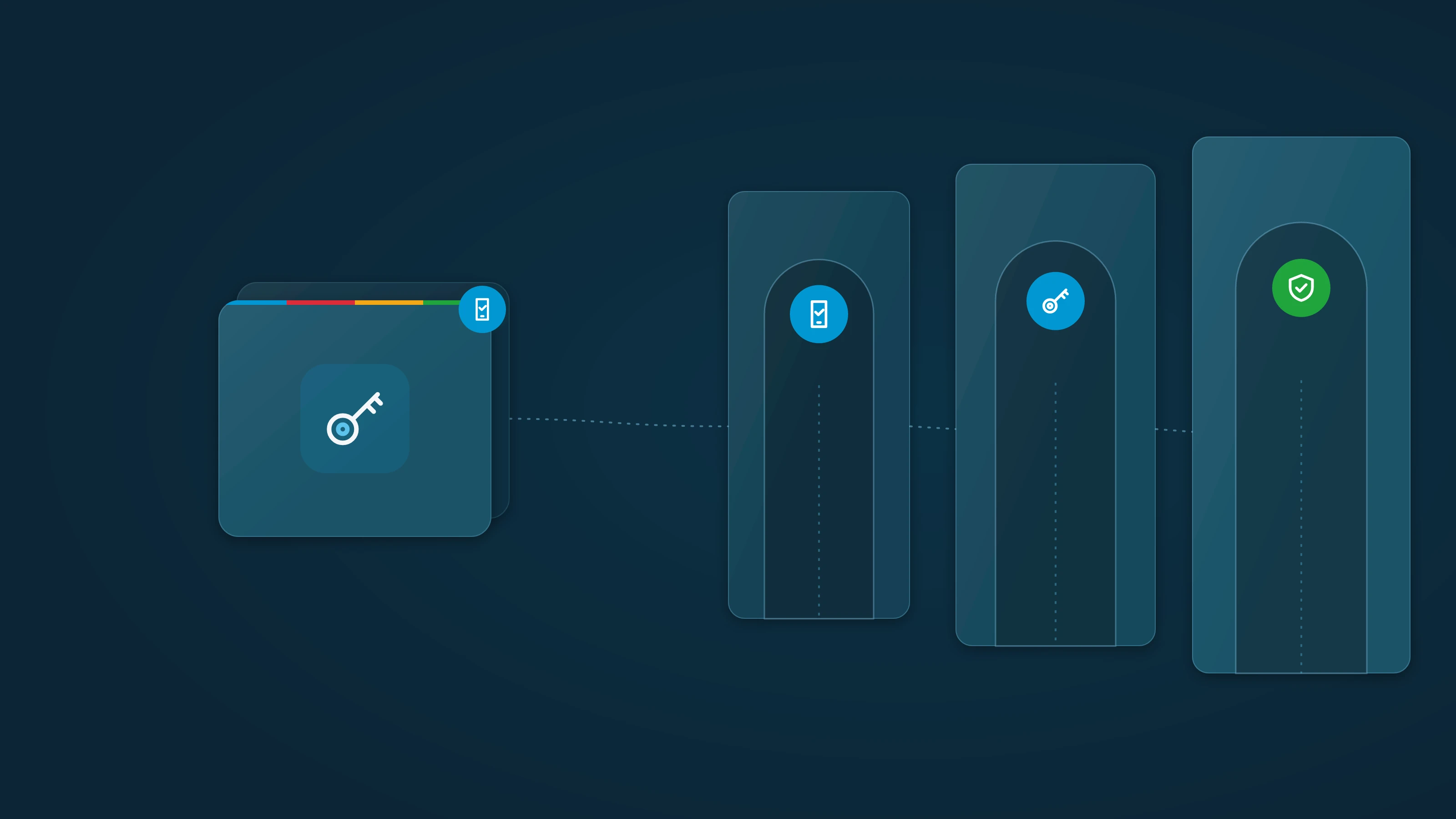
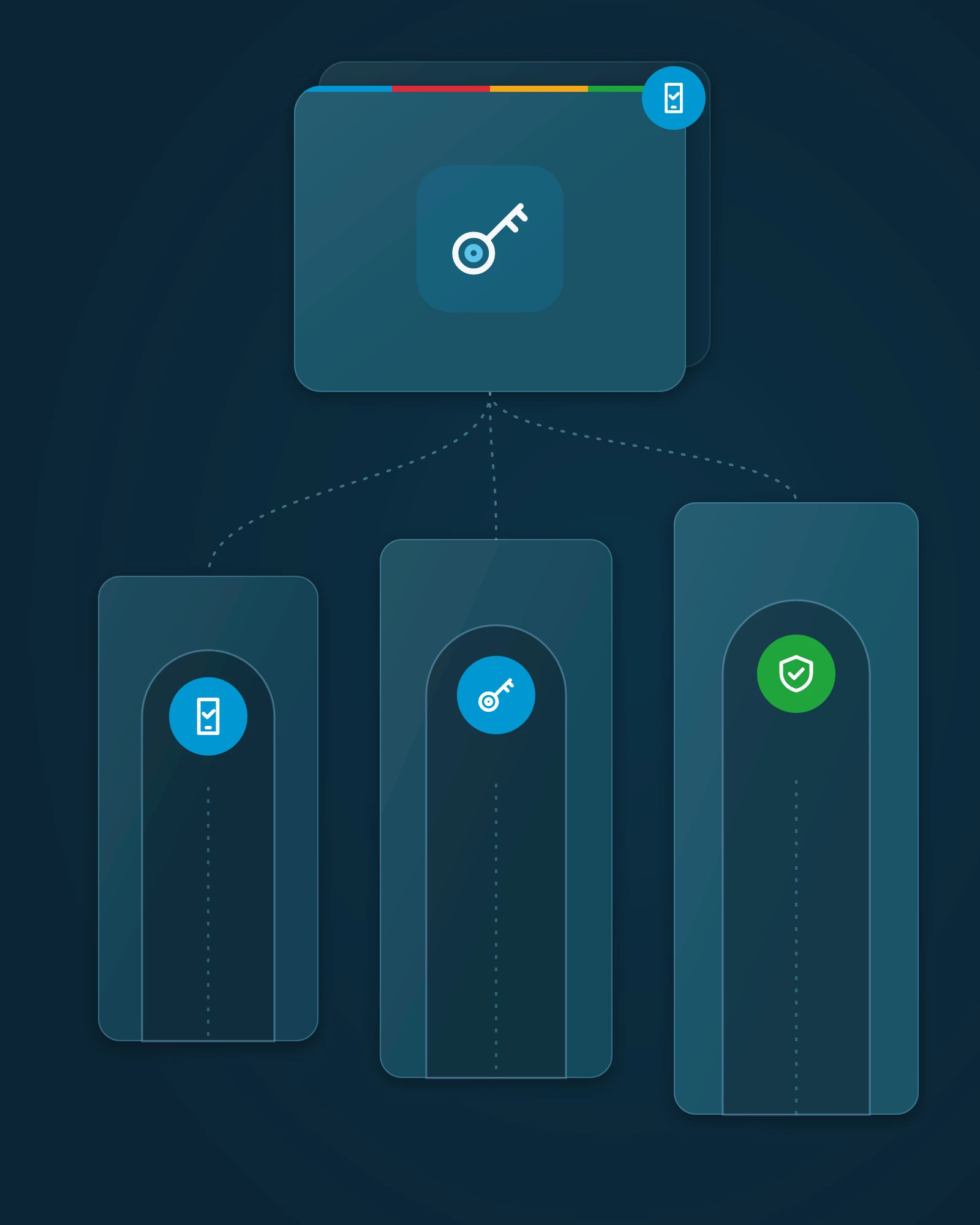
Attackers increasingly log in rather than break in. We protect the accounts, passwords and admin rights that control everything else, with privileged access management (PAM), Microsoft 365 hardened to best practice and, when it's in your plan, identity threat detection and response (ITDR).
What's at stake without it.
A valid login looks like normal business. That's why stolen and misused accounts are so costly.

A stolen login that looks legitimate.
With one working password, an attacker can read email, move files and approve requests as one of your people, and your tools may treat it as a normal day.
Use of stolen credentials was the most common way into breaches in Verizon's 2025 report, at 22%.

MFA that isn't the end of the story.
MFA is essential, and attackers know it. They steal signed-in sessions and trick people into approving prompts, so the sign-in looks verified.
In Microsoft 365 account attacks aimed at getting around MFA, token theft was the most common technique, at 31%.

Standing admin rights and shared passwords.
Admin rights nobody remembers granting and passwords kept in spreadsheets turn one compromised account into control of your systems. Insurers and auditors ask about MFA, admin rights and password practices, and the answers can affect premiums, exclusions and findings.
Identity comes first. When an attacker holds an admin account, everything else is at risk, so this is the layer we harden first.
Are Microsoft 365's built-in sign-in protections enough?
Microsoft 365 includes MFA and conditional access, and we make sure they're set to best practice. But those settings alone mainly protect the moment someone signs in. They don't manage who holds admin rights, where shared and privileged passwords live, whether passwords stored in the vault appear in a known breach, or what a valid account does after sign-in. That's why we add privileged access management and a managed password vault, plus identity threat detection and response when it's in your plan, and manage them as one layer.
MFA and sign-in policies
- Built-in sign-in settings only
- Available, but settings vary and drift over time
- Managed identity and access security from InnerCore
- MFA and conditional access set to best practice, reviewed and kept current
Misused accounts
- Built-in sign-in settings only
- A valid login can look like normal activity
- Managed identity and access security from InnerCore
- When it's in your plan, identity threat detection and response (ITDR) watches for risky sign-ins and misused accounts in Microsoft 365 and your on-premises directory, and helps catch a takeover early so we can act on it
Admin rights
- Built-in sign-in settings only
- Standing admin rights tend to pile up
- Managed identity and access security from InnerCore
- Privilege elevation, so people get admin rights only when approved and only for the task
Shared and privileged passwords
- Built-in sign-in settings only
- Kept in spreadsheets, browsers or memory
- Managed identity and access security from InnerCore
- A zero-trust enterprise password vault, implemented and managed, giving privileged and service credentials a controlled, shared home
Breach alerts for stored credentials
- Built-in sign-in settings only
- Often found out only after they're used
- Managed identity and access security from InnerCore
- Warning when passwords stored in the vault appear in a known breach, so they can be changed
Ownership
- Built-in sign-in settings only
- Settings managed alongside everything else on IT's list
- Managed identity and access security from InnerCore
- Specialists harden, monitor and manage identity security as one service
| Item | Built-in sign-in settings only | Managed identity and access security from InnerCore |
|---|---|---|
| MFA and sign-in policies | Available, but settings vary and drift over time | MFA and conditional access set to best practice, reviewed and kept current |
| Misused accounts | A valid login can look like normal activity | When it's in your plan, identity threat detection and response (ITDR) watches for risky sign-ins and misused accounts in Microsoft 365 and your on-premises directory, and helps catch a takeover early so we can act on it |
| Admin rights | Standing admin rights tend to pile up | Privilege elevation, so people get admin rights only when approved and only for the task |
| Shared and privileged passwords | Kept in spreadsheets, browsers or memory | A zero-trust enterprise password vault, implemented and managed, giving privileged and service credentials a controlled, shared home |
| Breach alerts for stored credentials | Often found out only after they're used | Warning when passwords stored in the vault appear in a known breach, so they can be changed |
| Ownership | Settings managed alongside everything else on IT's list | Specialists harden, monitor and manage identity security as one service |
What you get
One managed layer around the accounts that control everything else.

Multi-factor authentication.
MFA applied consistently across your accounts, with the gaps and exceptions found and closed.

Conditional access and Microsoft 365 hardening.
Sign-in policies that weigh the user, device and conditions, plus Microsoft 365 security settings reviewed against best practice and fixed where they fall short.

Privileged access management.
Privilege elevation, so users don't need standing local admin rights, and privileged credentials kept in the vault instead of shared around.

Account takeover protection.
When it's in your plan, identity threat detection and response (ITDR) gives visibility into risky sign-ins and misused accounts in Microsoft 365 and your on-premises directory, and helps catch a takeover early so we can act on it.

Password vault.
A zero-trust enterprise password vault, implemented and managed, giving privileged and service credentials a controlled, shared home.

Breach alerts for stored credentials.
Warning when passwords stored in the vault appear in a known breach, so they can be changed.
Sign-ins verified, admin rights deliberate.
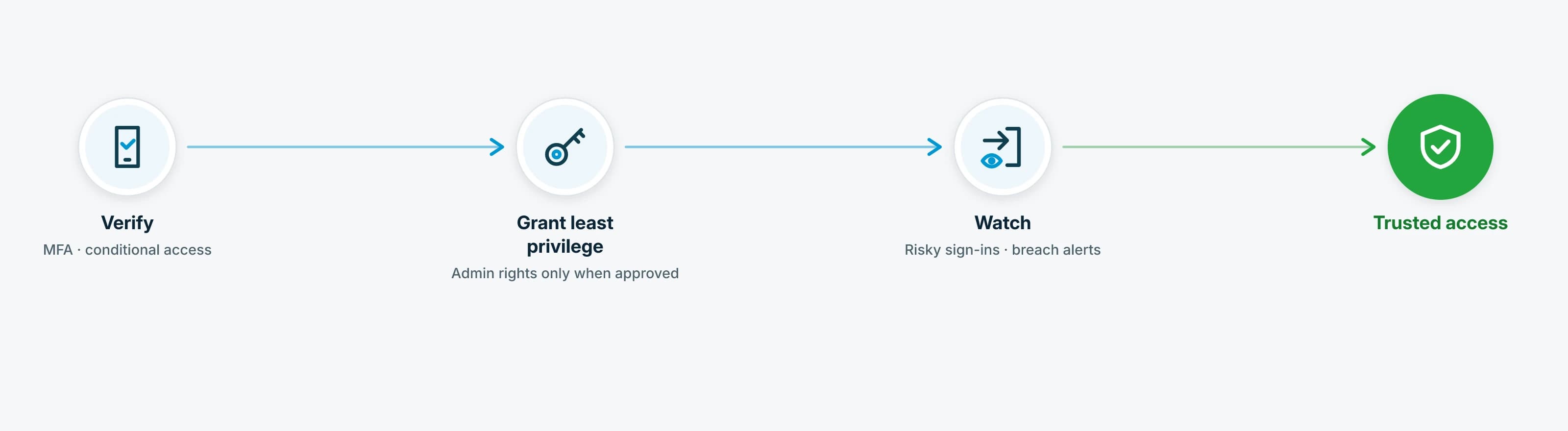
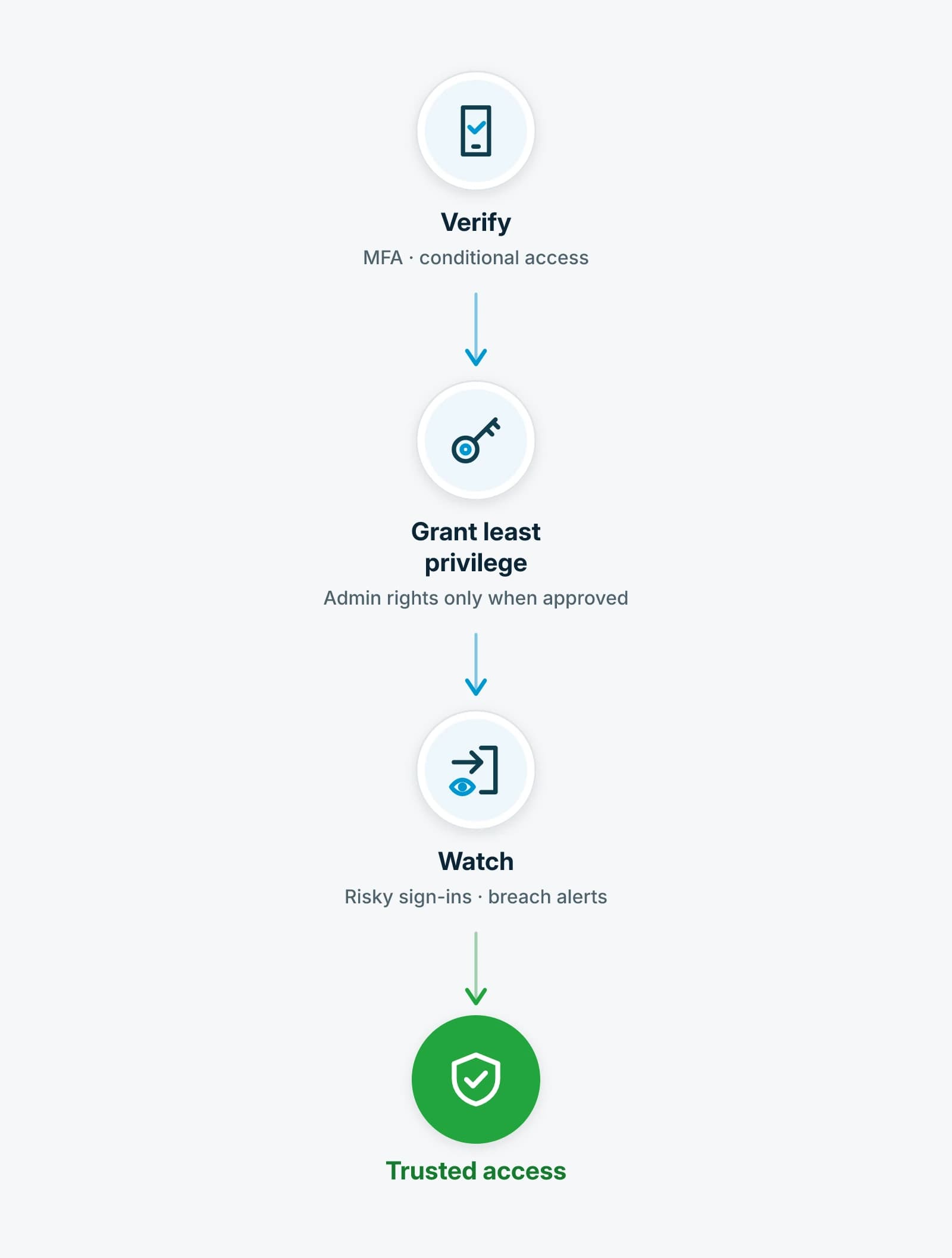
Admin rights that are deliberate, not accidental.
We start by reviewing who holds admin rights, how MFA is applied and where passwords live today. We deploy the password vault and move shared and privileged credentials into it. We harden Microsoft 365 against best practice, put privilege elevation in place so admin rights are granted only when needed, and, when it's in your plan, monitor for identity threats, and warn when passwords stored in the vault appear in a known breach. When an account shows signs of takeover, we act within the authority set in your agreement.
InnerCore sells, implements and manages these controls. How far we act on a compromised account, from alerting you to securing it, is written into your agreement and confirmed before you sign.
We build on industry-leading, best-of-breed security platforms, and when one isn't the right fit for your environment, our specialists vet and deploy one that is.
Our specialists review your accounts, admin rights and Microsoft 365 settings first, then recommend the identity controls your environment needs, as part of a plan we agree on together. Never a forced bundle.
Identity is the control plane. The other layers protect what it unlocks.
Identity controls decide who gets in and what they can touch. The layers around it protect the inbox, the device and the response behind every sign-in.
Advanced Email Security
Checks mail before it reaches your people, on Microsoft 365 or Google Workspace.
Endpoint Security
Protection for your covered desktops, laptops and servers, tuned with the vendor and monitored by our team.
Managed Detection and Response
Our security operations specialists connect signals from your devices, email, identities and network into one picture.
FAQs
We already use MFA. Isn't that enough?
MFA is essential, and we make sure it's applied everywhere it should be. But attackers now steal signed-in sessions and trick people into approving prompts, so we add monitoring for misused accounts when it's in your plan, control over admin rights and a managed password vault for privileged credentials.
What is identity threat detection and response (ITDR)?
ITDR watches how accounts sign in and behave in Microsoft 365 and your on-premises directory, flags risky sign-ins and signs of misuse, and helps our specialists act on a takeover early. It's available when it's in your plan.
Do we need to give up admin rights?
We work with you to decide who needs which rights and when, then put controls around them. With privilege elevation, people get admin rights when they're approved for a task, not all the time.
Is this different from Microsoft 365 administration?
Yes. Protecting the tenant lives here. Day-to-day administration, such as users, licensing and devices, lives under Microsoft 365 & Azure Management.
What if our identity systems are already compromised?
That's a recovery engagement. Our Cyber Security Incident Responseteam takes back your identity systems and admin accounts first, because everything else depends on them.
Related services
- Cyber Security Incident Response
If your identity systems have already been compromised
- Microsoft 365 & Azure Management
Day-to-day tenant administration
- Advanced Email Security
Protect the keys to everything.
Let's look at your accounts, admin rights and passwords together: how MFA is applied, who holds standing admin access, and what our specialists would harden first.